For EmDash, Astro and any website
Your Instagram posts on your website, in your website's style.
Social Feeds shows a business's own latest Instagram posts on its website, and keeps them up to date. You connect your Instagram professional account with Meta's login. Social Feeds only reads the account's profile and posts.
14 days free, no card needed. Plans from $5 a month.
One feed, any look
These are the same posts in two looks, drawn by the same code your site uses. Change the look in your admin and your site follows, without a deploy.
Harbour Coffee
@harbourcoffeeFresh from the roastery
The same posts, another look
 Flat white season is here
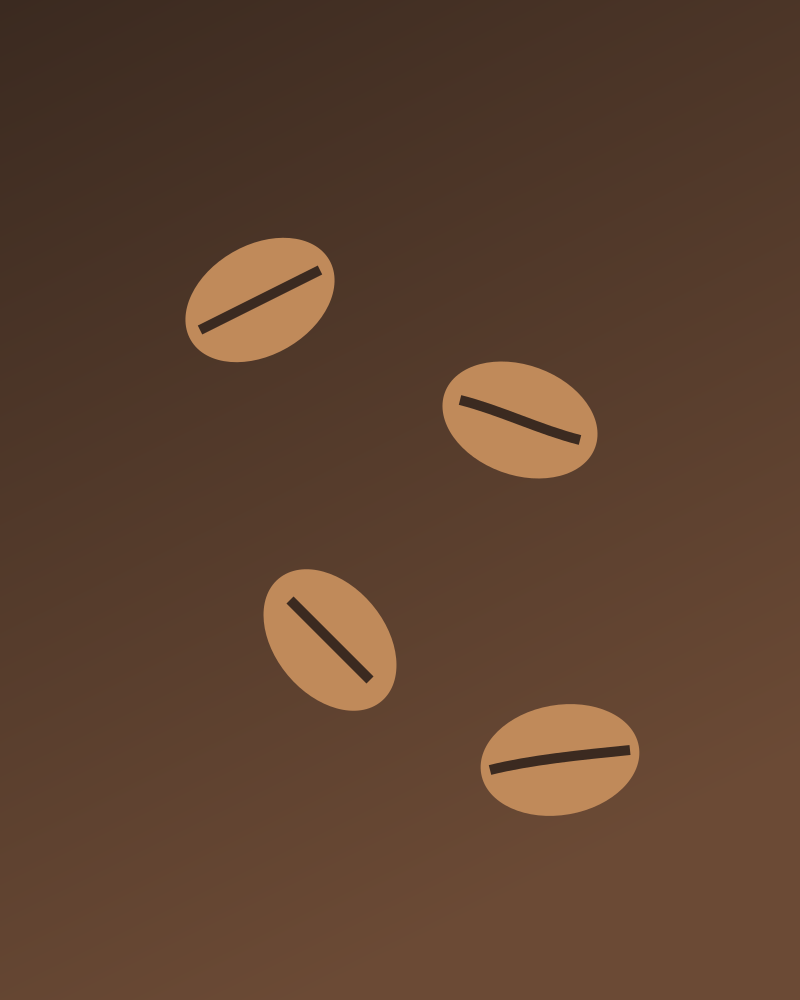 New beans from Huila, Colombia. Bright and juicy.
 Morning light on the harbour
 Cups stacked and ready at 7
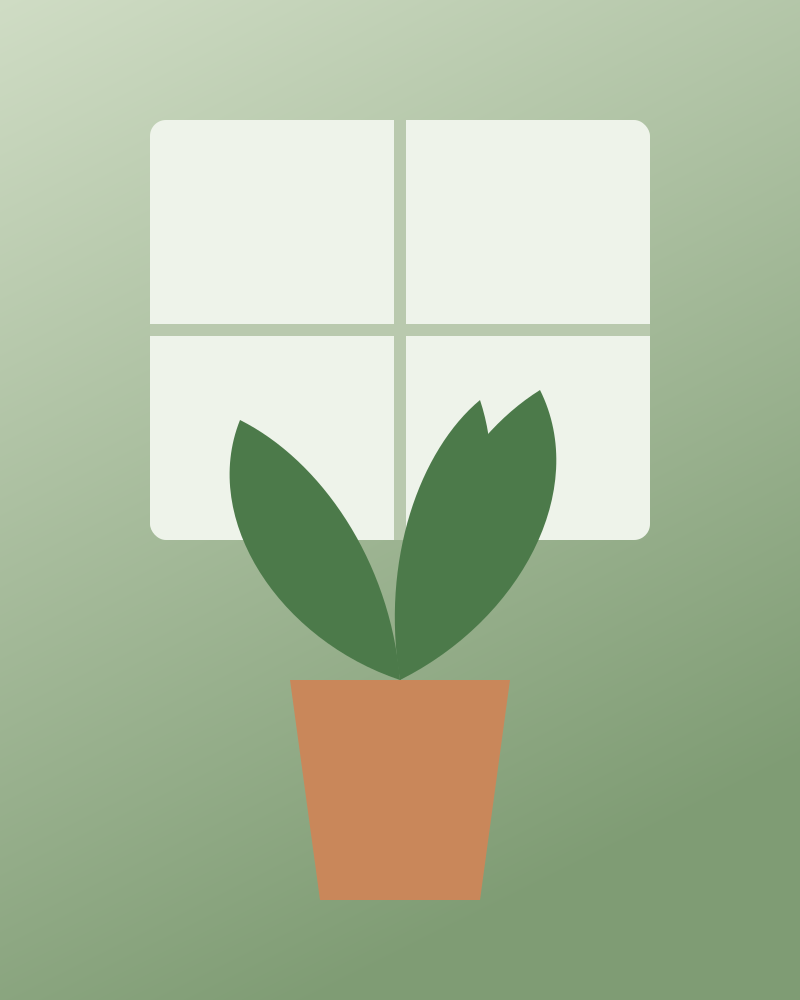 Our monstera has opinions about the window seat
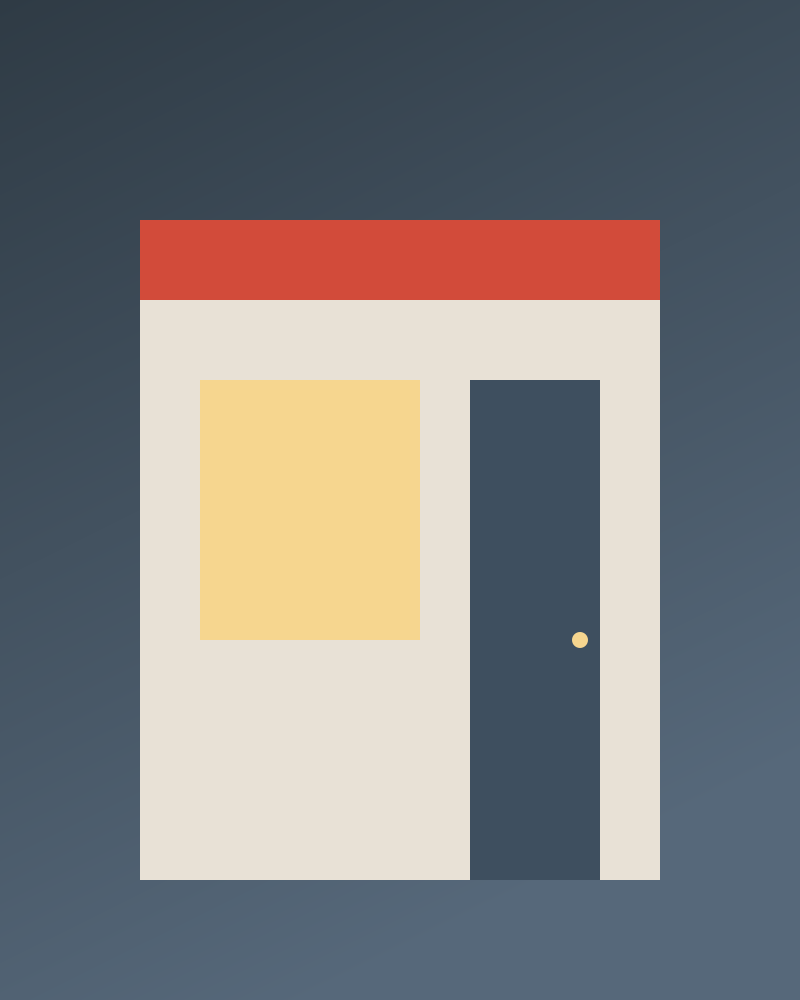 Open till 6 every day this week
 Slow pour, Sunday morning
 Latte art practice, day 41
Made for real websites
Fast pages, your own design, and a bill that doesn't grow with your visitors.
No view limits
Every plan shows your feed to as many visitors as you get. A busy day, or a post that takes off, never cuts your feed off.
EmDash, Astro and any website
An editor block and admin page for EmDash, a component for Astro, and a two-line embed for everything else.
Looks that match your site
Layouts, sizes, captions, headers and scrolling, set in your admin. Save named looks for different pages. Developers can go further with props and CSS.
Fast thumbnails
Each post is resized once into small images and served from Cloudflare's cache. On EmDash and Astro the posts are in the page's HTML, with no scripts from Instagram.
Read only
Social Feeds only reads your Instagram profile and posts. It can't post, comment, like, read messages or see insights.
Free for 14 days
Try any plan for 14 days without a card. One free trial per Instagram account.
Pricing
Every plan has no view limits and a 14-day free trial. Pay monthly, or yearly and get two months free.
Site
$5 a month
or $50 a year
- 1 site
- 1 feed
- 8 posts per feed
- Updates every hour
- No view limits
Pro
$12 a month
or $120 a year
- 1 site
- 5 feeds per site
- 24 posts per feed
- Updates every 15 minutes
- No view limits
- Lightbox for posts
Agency
$39 a month
or $390 a year
- 15 sites, then $3 a month per extra site
- 5 feeds per site
- 50 posts per feed
- Updates every 15 minutes
- No view limits
- Lightbox for posts
In the UK, the same numbers in pounds: £5, £12 and £39 a month, or £50, £120 and £390 a year. Local and staging copies of your site are free. See the terms and refunds.
Install
Two ways in, depending on your site.
EmDash or Astro
An editor block, an admin page and an Astro component.
- In your site's folder, run
npx @ninetysixsoftware/social-feeds init - Open your admin, go to Plugins, then Social Feeds, and start your free trial. There's nothing to copy.
- Connect Instagram. Then add the Instagram feed block to a page, or the component to a template.
Any website
WordPress, static sites, or anywhere you can paste HTML.
- Start your free trial and add your site's address.
- Connect Instagram.
-
Paste the embed code where the posts should go.
<div data-social-feed="your-feed-id"></div>
<script src="https://feeds.ninetysixsoftware.co.uk/embed.js" async></script>
Or ask Claude Code
Paste this into Claude Code in your site's folder, with your feed id. It installs Social Feeds and places the feed where it fits your design, using your site's own styles.
Run `npx @ninetysixsoftware/social-feeds init --claude` in this site. Then read .claude/skills/social-feed/SKILL.md and follow it to place my Instagram feed where it fits this site's design. Docs: https://feeds.ninetysixsoftware.co.uk/llms.txtWhat Social Feeds can see
A business connects its Instagram professional account with Meta's login. Social Feeds asks for read access only.
Social Feeds can
- See your posts' images, captions, links and dates
- See your account's name, username and profile picture
Social Feeds can't
- Post, comment or like
- Read or send messages
- See insights or followers
Each post on your website links to the original on Instagram. You can disconnect at any time, and we delete what we hold. See the privacy policy and data deletion, or try the demo with your own account.
Put your Instagram on your website today
14 days free. No card. Cancel any time.